New
Design dynamic templates with an AI copilot
Describe what you need and Bannx drafts the template. Then refine layers, bindings, and variables in the editor with an AI chat that actually sees your design.
- Prompt to a working template
- AI chat that sees your design
- Automation-ready bindings
No credit card required · 25 free renders every month
What you get

Prompt to template
Start from a plain-language description and get a working template with sensible layers and variables.

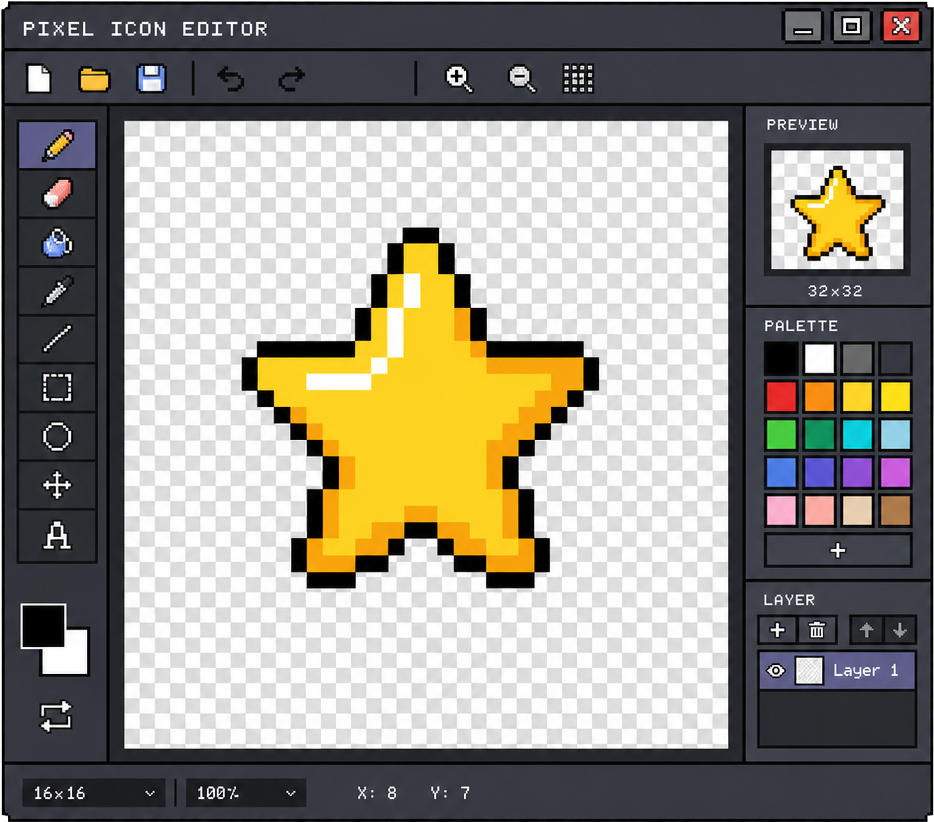
Editor-aware AI chat
The assistant works from a live snapshot of your pages and layers, so edits land on the right elements.

Variables and bindings
Bind text, images, and colors to variables as you design, making every template automation-ready.

Live preview
See exactly what the API will produce while you edit, across renderers and output formats.

Mods and variants
Layer reusable style and content overrides on top of the base design without duplicating templates.

Brand-aware from the start
Templates pick up your brand tokens, so AI-assisted drafts still look like you.

How it works
- 1
Describe it
Tell the AI what you're making — a launch banner, a certificate, a social ad set.
- 2
Refine in the editor
Adjust layers and bindings yourself or keep iterating with the AI chat.
- 3
Publish and automate
Use the template via form, API, or bulk generation the moment it's ready.

Questions, answered
Does the AI understand my current design?
Yes. The assistant works from a live snapshot of your pages and layers, so its edits land on the right elements instead of guessing.
Are AI-built templates automation-ready?
Yes. Bind text, images, and colors to variables as you design, then use the template via form, API, or bulk generation right away.
Will AI drafts match my brand?
Templates pick up your brand tokens, so AI-assisted drafts use your palette, logos, and typography from the start.
Keep reading
More from Bannx
One platform for every render. Design once in the templates editor, ship at scale with the API, and compare plans.