Template API

List and fetch templates and their pages.

Template API

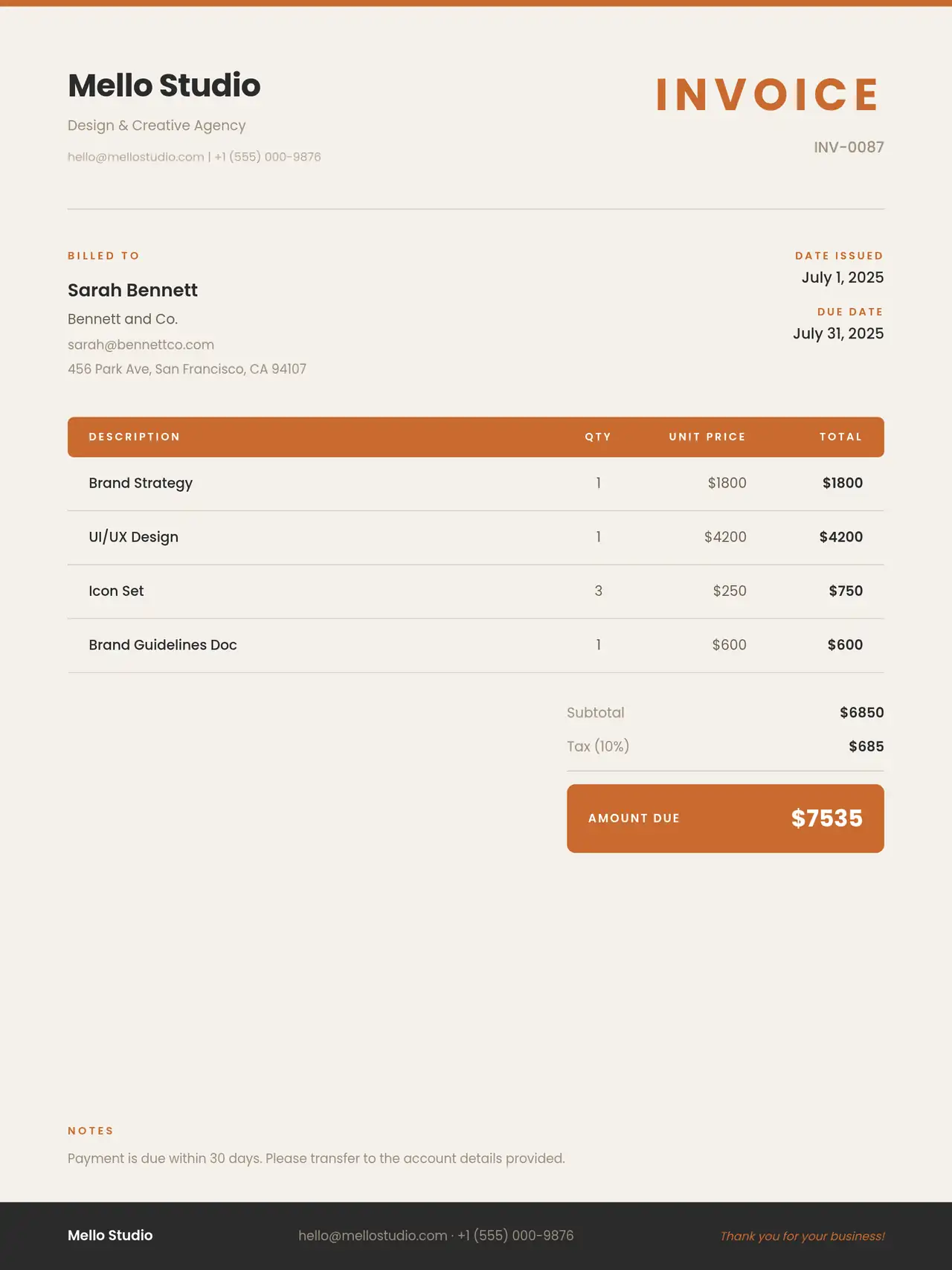
The Template API lets you list templates and fetch a single template including its pages. Use these endpoints to discover template and page IDs for the Rendering API.

Endpoints

GET /api/templates

List templates for the current context (space). Returns a list and count.

Authentication: Depends on app policy (often session or API token for the space).

Query: Optional (e.g. sort, filter if supported).

Response (conceptually):

{
  "list": [
    {
      "_id": "template_id",
      "name": "My Banner",
      "templateVariables": [ ... ],
      "updatedOn": "..."
    }
  ],
  "count": 1,
  "pagesCount": 1
}

GET /api/templates/:id

Fetch one template by ID, including its pages (ordered).

Authentication: Same as list.

Response (conceptually):

{
  "doc": {
    "_id": "template_id",
    "name": "My Banner",
    "spaceId": "...",
    "templateVariables": [ ... ],
    "templateSettings": { ... },
    "pages": [
      {
        "_id": "page_id",
        "name": "Main",
        "templateId": "template_id",
        "width": 1200,
        "height": 630,
        "layers": [ ... ],
        "variables": [ ... ],
        "bindings": [ ... ],
        "order": 1
      }
    ]
  }
}

Use doc.pages[]._id as pageId in the Rendering API.


GET /api/templates/public

List public templates (if your app exposes a public template gallery). No authentication required when configured that way.


Create / update / delete

Create, update, and delete operations are typically done in the dashboard (template editor). If your app exposes REST handlers for them, they would use:

  • POST /api/templates — create template
  • PATCH or PUT /api/templates/:id — update template
  • DELETE /api/templates/:id — delete template

Same for pages under /api/pages (e.g. POST for create, GET/DELETE for a single page). Check your server routes for exact method and body schema.

Publish before rendering

Before you can render by page ID via the Rendering API, the template (and its pages) must be published. Use the publish endpoint or the dashboard:

  • POST /api/publish with body { "templateId": "<id>", "publishTemplate": true, "publishPages": true } to publish template and pages to the cache.

After publishing, GET /api/render/:pageId and POST /api/render with pageId will use the cached page. See the Rendering API for details.
Errors

StatusMeaning
401 UnauthorizedNot allowed in this space/context.
404 Not FoundTemplate not found.

Copyright © 2026 bannx. All rights reserved.