Rendering API
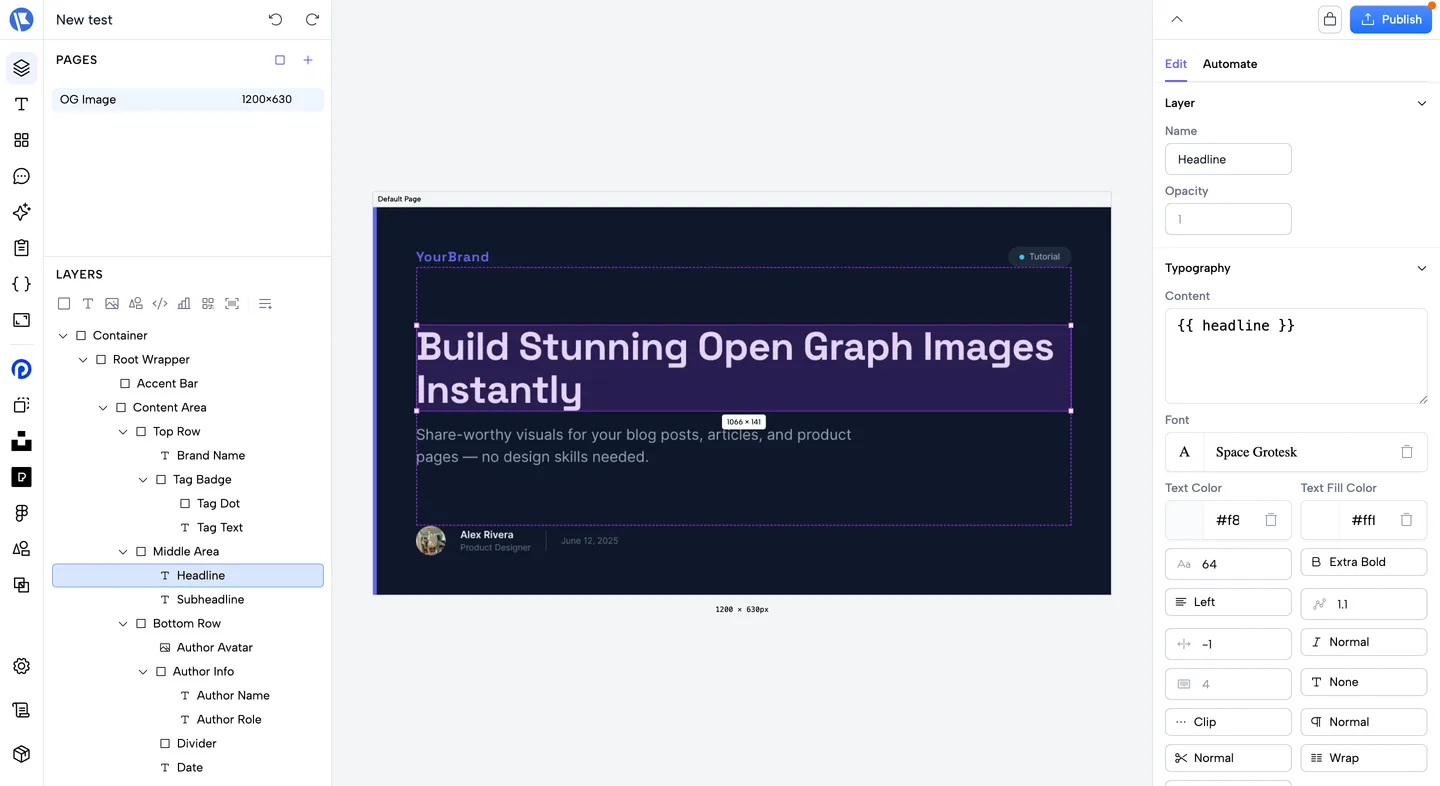
The Rendering API turns a Bannx page (from a template) into an image. Use a page ID with GET or POST: by default the page is loaded from the publish cache; set draft: true on POST to load from the database (unpublished).
Endpoints
GET /api/render/:pageId
Render a page by ID using query parameters. By default loads from the publish cache; set draft=true to load from the database (same as POST).
Authentication depends on the template setting Require token for GET render (editor → Settings → Template):
- On (default): Send
Authorization: Bearer <API key>or add the space GET render URL secret as query paramgt(create it under Settings → Space → Developers). The API key must belong to the same space as the template. Useful for<img src="...">without request headers. - Off: No auth; anyone with the page ID can call GET for that template’s pages.
Query parameters:
| Parameter | Type | Description |
|---|---|---|
format | png | svg | webp | pdf | pptx | Output format. Default: png. |
draft | boolean | If true, load from database instead of publish cache. Default: false. |
output | json | binary | Response shape: omit or json for metadata + file URL; binary for raw bytes. |
scale | number (1–4) | Resolution multiplier for png/webp (logical → physical pixels). Overrides the template’s render scale. Default: 2. |
quality | number (1–100) | WebP encode quality (format=webp only). Overrides the template’s setting. Default: 90. |
templateId | string | Optional; validated against the page’s template. |
renderType | takumi | html | Override renderer. takumi PDFs render with the Takumi engine (vector, selectable text); html PDFs use headless Chrome. The legacy value satori is accepted and treated as takumi. |
emojiType | string | Override emoji set (e.g. twemoji, openmoji). |
pageIds | string | Comma-separated page IDs for merged PDF (format=pdf). |
tweaksPerPage | string (JSON) | Per-page tweaks aligned with pageIds for PDF. |
tweaks | string (JSON) | JSON object of variable overrides by name, e.g. {"title":"Hello","count":5}. |
brandTweaks | string (JSON) | Brand token overrides by dot path (see Brands). |
tweak:<name> | string/number/boolean | Alternative: per-variable overrides, e.g. tweak:title=Hello. |
gt | string | When auth is required: GET render secret (space-level), alternative to Authorization. |
Response: Binary image/PDF, or application/json with file metadata when output is not binary.
Example:
# PNG (default)
curl -H "Authorization: Bearer YOUR_TOKEN" \
"https://your-app.bannx.app/api/render/PAGE_ID" -o out.png
# WebP with variable overrides (JSON)
curl -H "Authorization: Bearer YOUR_TOKEN" \
"https://your-app.bannx.app/api/render/PAGE_ID?format=webp&tweaks=%7B%22title%22%3A%22Hello%22%7D" -o out.webp
# SVG with query tweaks
curl -H "Authorization: Bearer YOUR_TOKEN" \
"https://your-app.bannx.app/api/render/PAGE_ID?format=svg&tweak:title=Hello" -o out.svg
# Retina PNG at 4× scale
curl -H "Authorization: Bearer YOUR_TOKEN" \
"https://your-app.bannx.app/api/render/PAGE_ID?scale=4" -o [email protected]
# Same request using GET URL secret (no Bearer)
curl "https://your-app.bannx.app/api/render/PAGE_ID?format=png>=YOUR_GET_SECRET" -o out.png
POST /api/render
Render using a page ID. Loads the page and template from the publish cache by default, or from the database when draft: true (e.g. before publish).
Authentication: Required (Authorization: Bearer <token>). Rate limit: 60 requests/minute per token.
Request body (JSON):
| Field | Type | Description |
|---|---|---|
pageId | string | Required for png, svg, webp. For pdf/pptx, use pageId (single page) or pageIds (merged document). |
pageIds | string | Optional. Multiple pages for a merged PDF/PPTX. |
tweaksPerPage | object | Optional. Per-page tweaks; length must match pageIds when provided. |
templateId | string | Optional; when set, validated against the page’s template (can speed up parallel fetch). |
draft | boolean | If true, load page and template from the database instead of cache. Default: false. |
format | png | svg | webp | pdf | pptx | html5 | Output format. Default: png. pdf follows the template's renderer: Takumi templates render vector PDFs with selectable text (no browser), HTML templates use the Chrome pipeline. One credit per PDF page either way. html5 returns a display-ad ZIP — see HTML5 ads. |
clickTag | string (URL) | format=html5 only. Landing page baked into the bundle's clickTag variable. |
tweaks | object | Variable overrides by name (applied to page, template, and global variables). |
brandTweaks | object | Brand token overrides by dot path, e.g. {"colors.primary":"#7c3aed"} — re-skins the render without editing the brand (see Brands). |
renderType | takumi | html | Override the template’s renderer (applies to pdf too). Legacy satori is accepted and treated as takumi. |
scale | number (1–4) | Resolution multiplier for png/webp. Default: 2. |
quality | number (1–100) | WebP encode quality. Default: 90. |
emojiType | string | Optional; e.g. twemoji, openmoji. Default from template/space. |
output | string | Optional. json (default when omitted) returns metadata JSON; binary, image, or raw returns the raw image body. |
binary | boolean | Optional. If true, same as output: "binary". |
Response (default): application/json with pageId, templateId, draft, format, renderType, mimeType, width, height, emojiType, renderMs, uploadMs, and file (id, url, sizeBytes). The render is uploaded to temporary storage for your space; use file.url to display or download the image.
Response (with "output": "binary" or "binary": true in the body): Raw body — image types as GET, or application/pdf when format is pdf.
Example (JSON default — save response and inspect file.url):
curl -X POST -H "Authorization: Bearer YOUR_TOKEN" \
  -H "Content-Type: application/json" \
  -d '{"pageId":"PAGE_ID","format":"webp","tweaks":{"title":"Hello"}}' \
  "https://your-app.bannx.app/api/render" -o response.json
Example (raw image body):
curl -X POST -H "Authorization: Bearer YOUR_TOKEN" \
  -H "Content-Type: application/json" \
  -d '{"pageId":"PAGE_ID","format":"webp","output":"binary","tweaks":{"title":"Hello"}}' \
  "https://your-app.bannx.app/api/render" -o out.webp
Example (draft / unpublished page):
{
  "pageId": "PAGE_ID",
  "draft": true,
  "format": "png",
  "tweaks": { "title": "My Banner" }
}
Example (brand overrides — same design, different brand):
{
  "pageId": "PAGE_ID",
  "format": "png",
  "brandTweaks": {
    "colors.primary": "#7c3aed",
    "colors.secondary": "#0f0a1e",
    "logos.logo": "https://cdn.example.com/acme-logo.svg"
  }
}
Example (single-page PDF):
curl -X POST -H "Authorization: Bearer YOUR_TOKEN" \
  -H "Content-Type: application/json" \
  -d '{"pageId":"PAGE_ID","format":"pdf","output":"binary"}' \
  "https://your-app.bannx.app/api/render" -o out.pdf
Example (merged multi-page PDF):
{
  "pageIds": ["PAGE_A", "PAGE_B"],
  "format": "pdf",
  "output": "binary",
  "tweaksPerPage": [{ "title": "Page A" }, { "title": "Page B" }]
}
For long, content-driven PDFs where the number of pages depends on the data (invoices, catalogs, reports), see Auto-pagination.
HTML5 ads (format: "html5")
Export a page as a self-contained HTML5 display-ad bundle — the ZIP that Google Ads, Display & Video 360 and most other ad platforms accept as an uploaded creative.
curl -X POST -H "Authorization: Bearer YOUR_TOKEN" \
  -H "Content-Type: application/json" \
  -d '{"pageId":"PAGE_ID","format":"html5","output":"binary","clickTag":"https://example.com/offer"}' \
  "https://your-app.bannx.app/api/render" -o ad.zip
The bundle contains index.html at its root, a styles.css, and an assets/ folder holding every image and font the ad uses. It is built to the rules ad platforms validate against:
<meta name="ad.size">declares the creative's pixel size, taken from the page.clickTagis a global variable and the click is routed through it. Platforms overwrite it at serve time to attach click tracking, so the value you pass is the local-preview default rather than the final destination.- Nothing loads from the network. Images and webfonts are fetched at export time and rewritten to relative paths, because an ad that requests an external URL at serve time is rejected.
One ad bundle is one creative size, so html5 takes a single pageId. For a campaign covering several sizes, keep one page per size and export each — that is how platforms expect them uploaded.
Size matters: Google Ads rejects bundles over 150 KB (max 40 files). The export keeps its own weight down — it subsets webfonts to the weights the page actually uses and stores inline images as files rather than base64 — but a heavy photo will still blow the budget. The response reports where you stand:
- With
output: "binary", the verdict rides on headers:X-Ad-Compliant(1/0),X-Ad-Size, andX-Ad-Errors/X-Ad-Warnings(URL-encoded,|-separated). - Otherwise the JSON response carries an
adobject withcompliant,errors,warnings,totalBytesandfileCount.
An error means a platform will reject the bundle (typically an asset that could not be fetched, so the ad still points at a URL). A warning is yours to judge — over 150 KB, or an asset too large to bundle.
In the editor, choose HTML5 ad (ZIP) in the Automate panel's format selector, set the landing page, and download.
Code-to-image (POST /api/code-to-image)
Separate endpoint to render code snippets as images (syntax highlighting). No API token required for this endpoint.
Request body:
| Field | Type | Description |
|---|---|---|
code | string | Required. Source code to render. |
lang | string | Language for highlighting (e.g. js, ts). Default: js. |
theme | string | Shiki theme. Default: github-dark. |
format | png | webp | jpeg | Default: webp. |
width, height, quality, style | optional | Layout and style options. |
showLineNumbers | boolean | Default: false. |
Response: application/json with dataUrl (the rendered image as a data URL), format, and mimeType.
Render logs
Every render is logged for your space. In the editor, open the Render Logs panel to inspect recent requests (status, timings, format, and the requesting token).
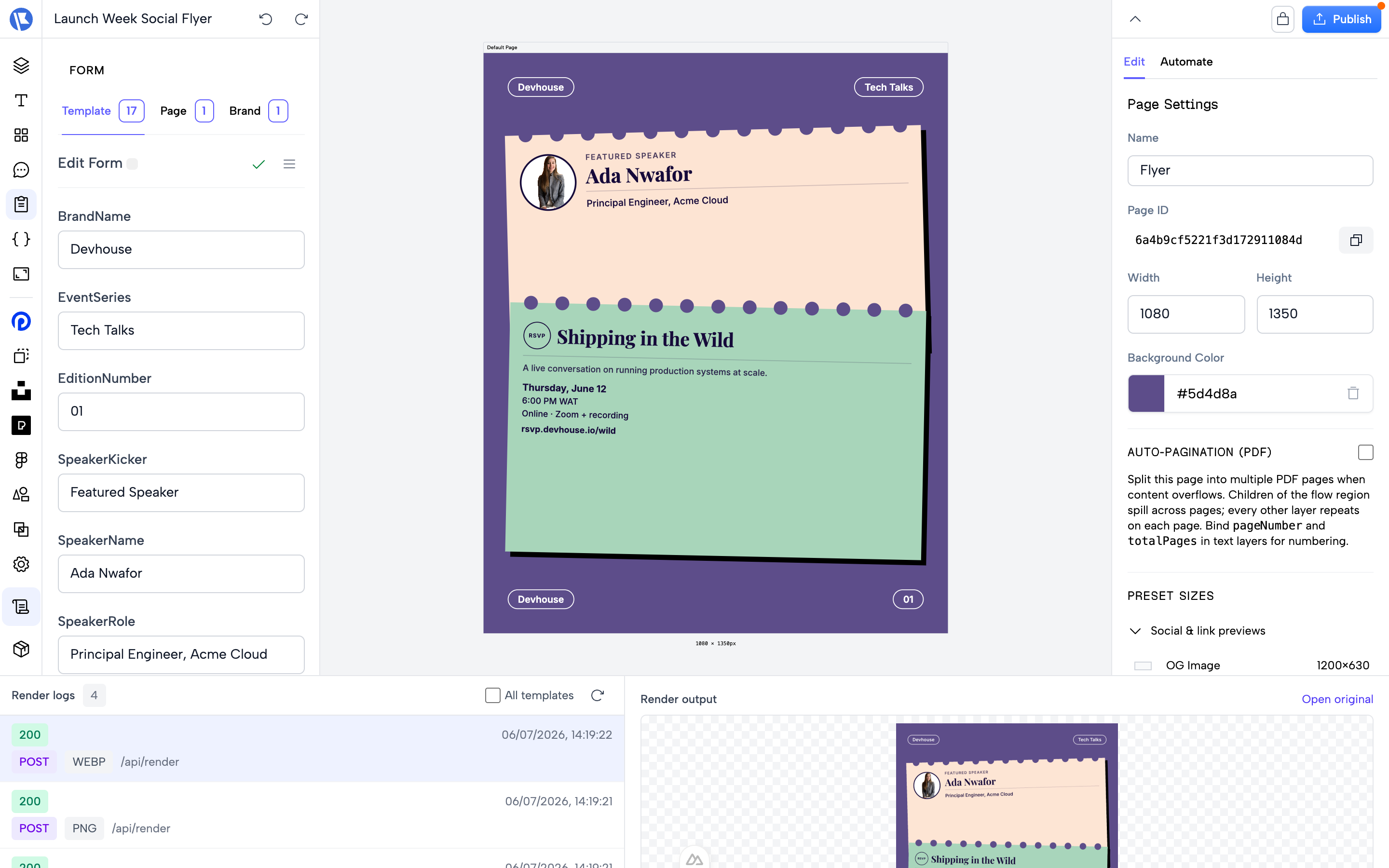 Programmatically, a logged-in dashboard session can list logs via
 GET /api/renders/logs?templateId=…&page=…&perPage=… — useful for debugging integrations. This endpoint uses session authentication (it is not callable with an API key).
Errors
| Status | Meaning |
|---|---|
400 Bad Request | Malformed request (e.g. token=… in query — use gt or Authorization). |
422 Validation Error | Body or query failed validation (e.g. missing pageId). The response includes data.fieldErrors with per-field messages. |
401 Unauthorized | Missing or invalid auth when the template requires GET token. |
404 Not Found | Page or template not found (or not in cache when not using draft). |
500 Internal Server Error | Rendering failed. |
Webhooks
Render requests can trigger webhooks (e.g. upload result, update log). See Webhooks for configuration and behavior.